Updated
Sheeter is a lightweight desktop app for browsing, searching, and copying code snippets and reference notes—stored locally on your machine.
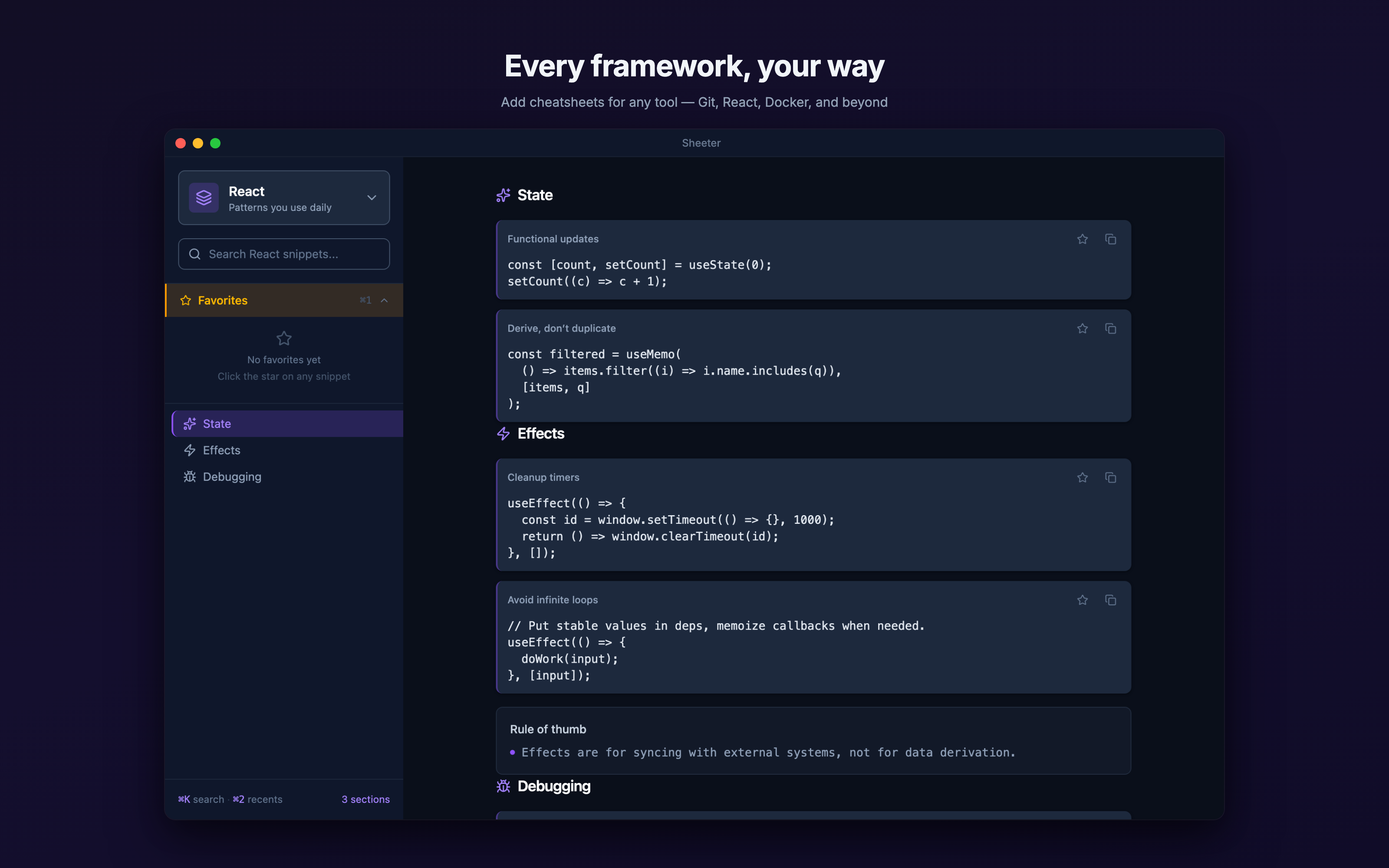
Local lookup, not a context switch.
Abstract
When you're deep in an AI-assisted coding session, small interruptions break flow: "What was that flag?" or "What's our project convention for X?" You either waste context tokens on trivia or alt-tab to Google.
Sheeter keeps your cheatsheets one keystroke away — locally, so prompts stay focused on hard problems, not reference material.
What it does
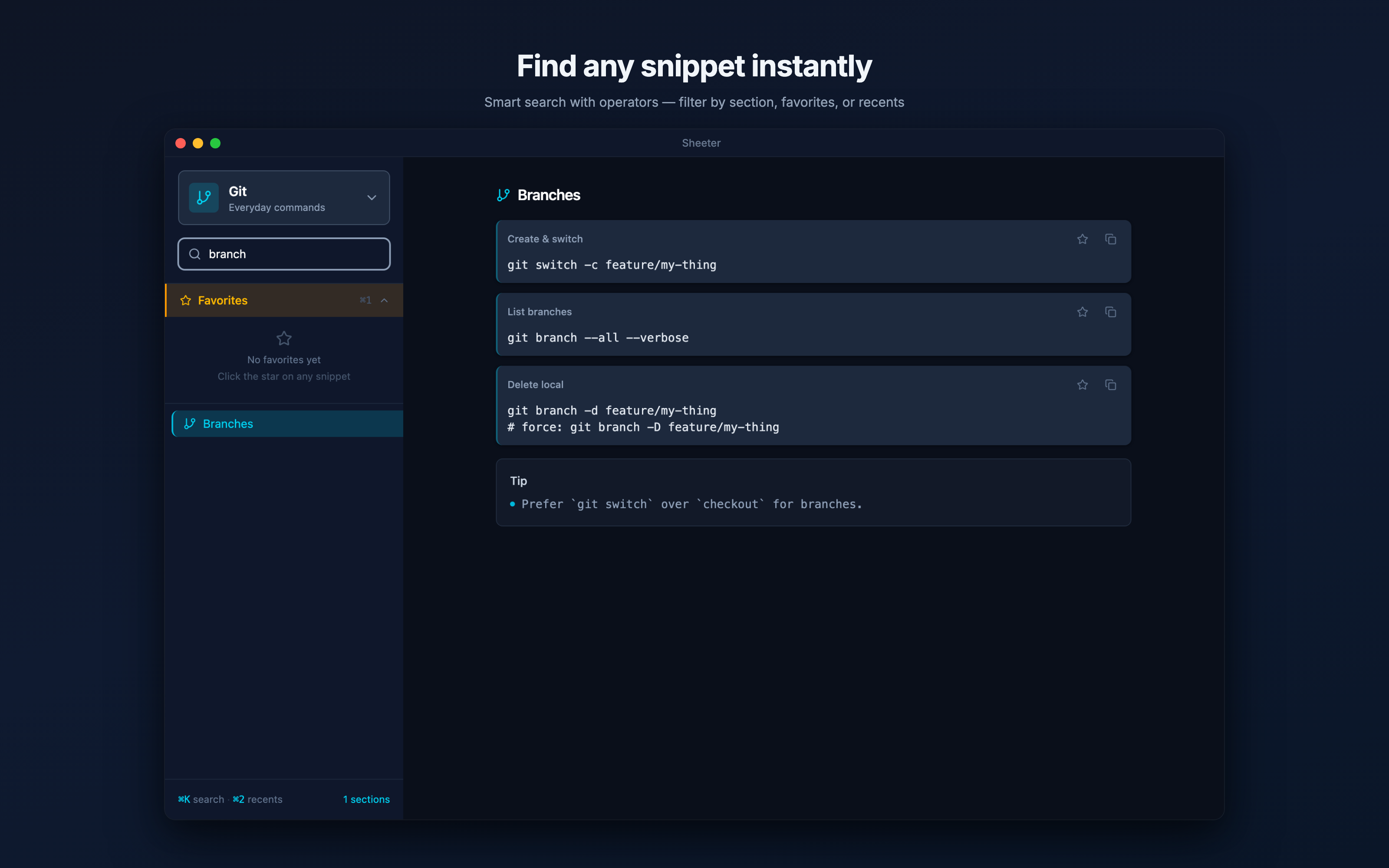
- Fast search across every registered sheet
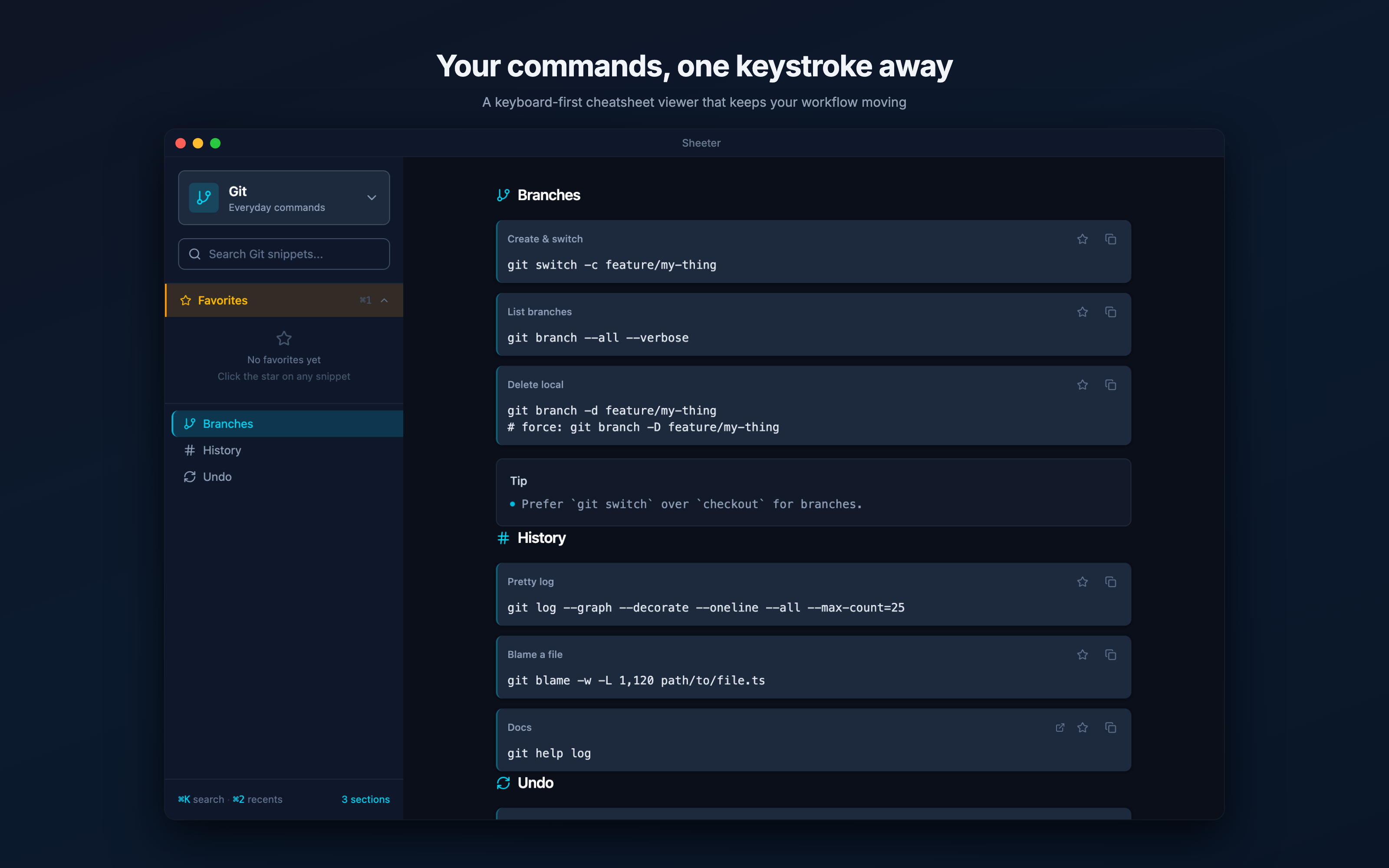
- One-keystroke copy without leaving your workflow
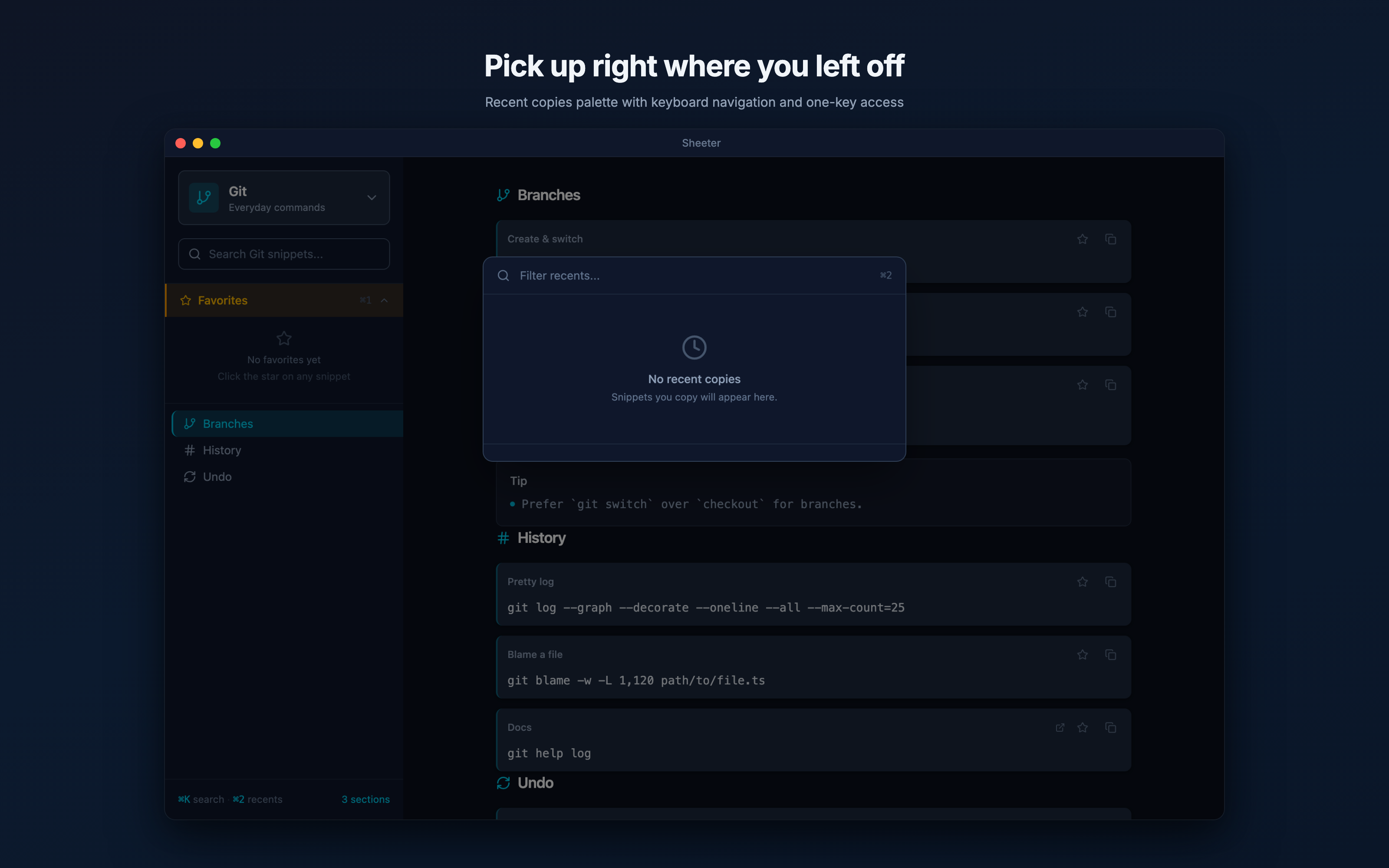
- Recents stack that surfaces what you used last
- Section-scoped filters keep results tight
Plain text, your files, your folder.
Abstract
Cheatsheets are Markdown or JSON files you own — version-control them, sync them, diff them, like any other text.
Add Markdown or JSON files through the app, or attach a workspace with a .sheeter/registry.json file.
What it does
- API reminders, CLI commands, prompt templates, team conventions
- YAML frontmatter or JSON fields for sections, tags, and display order
- Files are referenced in place after you add them
- Re-indexes on launch and on file change
No cloud. No telemetry. No account.
Abstract
Sheeter runs entirely on your machine. No account, no analytics, no automatic uploads. Your cheatsheet content stays local unless you export or share it.
Reference your existing Markdown or JSON files in place and search them locally — no upload, no sync server in between.
What this means
- Your cheatsheet files stay in the locations you choose
- Teams sync via git or whatever they already use
- No login, no email required
- Sensitive snippets stay on your machine unless you choose to export or share diagnostics or content
A workflow tuned for AI coding agents.
Approach
Agent-assisted development can move fast, but only if the project structure is unambiguous — clear conventions, concrete acceptance criteria, and tight boundaries on every change.
Sheeter is the case study where we tuned that workflow into something repeatable.
What we changed
- An
AGENTS.mdcontract describing precedence rules and constraints - Issue prompts written as self-contained implementation briefs
- Spec-first docs (technical requirements, blueprint, milestone plan) as the source of truth
- Cross-platform Tauri foundations chosen for reviewable, scoped change surface
Who it’s for
- Developers who routinely need quick syntax and command lookups
- Teams who want a shared, searchable set of engineering conventions
- Anyone pairing with an AI assistant and trying to avoid burning context on “trivia”
More views
Technical specs
The honest fine print.
Everything a developer would ask before installing a thing on their primary machine.
- Platforms
- macOS Apple Silicon · Windows
- Runtime
- Tauri (Rust) + React + TypeScript
- Cheatsheet format
- Markdown with YAML frontmatter, or JSON
- Storage
- OS app data for settings/cache; cheatsheet files remain in user-selected locations.
- Hotkey
- Configurable · default
⌥Space - Telemetry
- None — no analytics, no remote logging
- Account required
- No
- Status
- Mac App Store release candidate